Audio Without
Boundaries.
A real-time multi-device audio router for Windows. Intercept system sound and broadcast to multiple headsets simultaneously with absolute precision and near-zero latency.
Engineered for Precision
We've built SoundSync from the ground up to ensure your audio experience is flawless, whether you're gaming, streaming, or just listening.
Zero Latency
Direct audio routing ensures perfect sync across all endpoints.
Custom Configs
Create profiles for different scenarios. Switch with one click.
Network Sync
Broadcast audio across your local network to other devices.
High Performance Core
Built on .NET 8.0, utilizing native Windows Audio APIs (WASAPI) for maximum throughput and reliability without bogging down your system.
Perfect For Shared Setups
Whether you have a dual-PC streaming setup, or just want to watch a movie with two pairs of headphones, SoundSync handles it flawlessly.
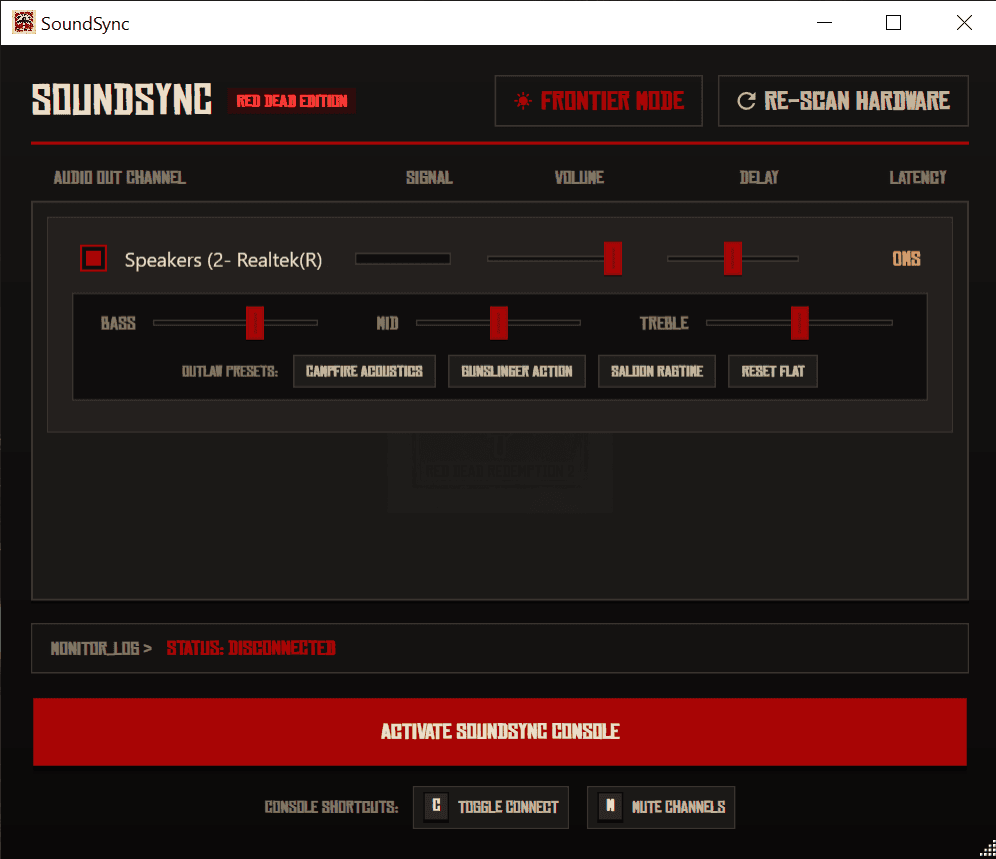
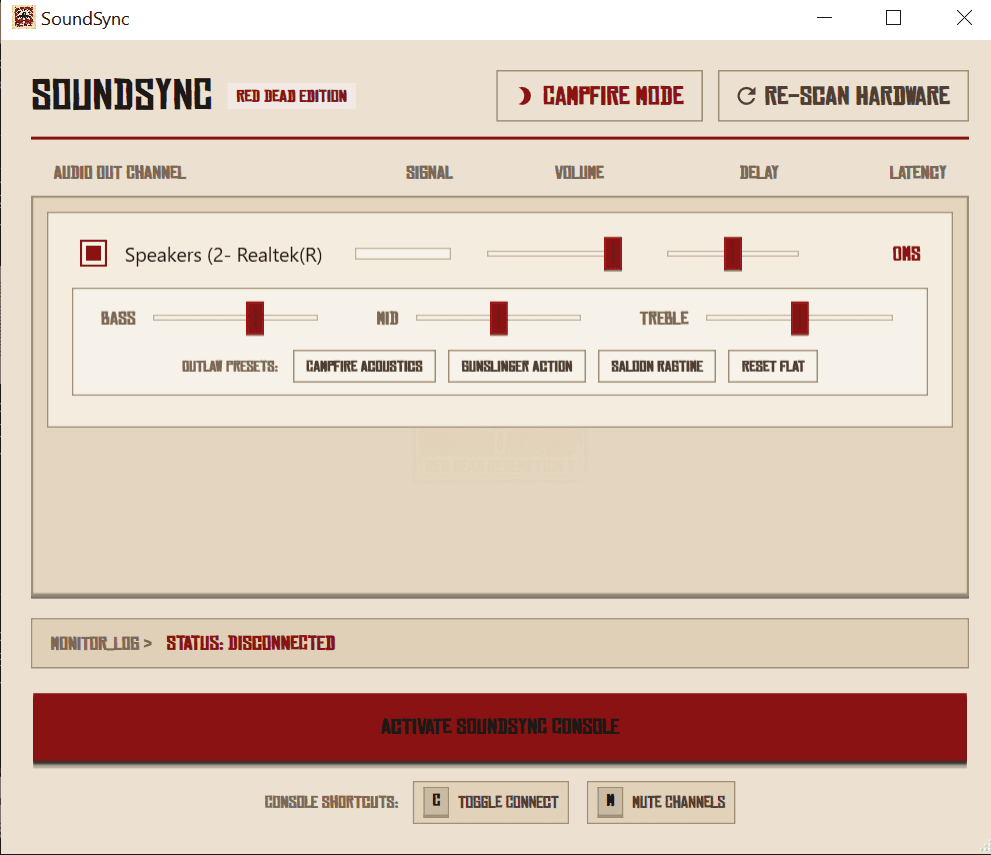
Raw Audio Interception
The application uses WasapiLoopbackCapture to intercept the raw audio bytes flowing to your default Windows audio endpoint.
When you click "Connect", the app initializes a separate WasapiOut stream for every selected hardware device in Shared Mode.
As Windows fires DataAvailable events containing live audio bytes, the engine aggressively broadcasts them into a buffered provider attached to every selected output simultaneously.
Frequently Asked Questions
Everything you need to know about setting up SoundSync for perfect, delay-free audio routing.
How do I get perfect synchronization?
To achieve 100% perfect synchronization with zero echoes across multiple headphones, route Windows audio to an unused virtual device or silent HDMI output, and use SoundSync to copy that stream to all target devices.
Why should I use a silent/dummy device as default output?
By selecting a silent HDMI output or virtual audio cable as default Windows Output, Windows sends audio there. SoundSync intercepts this raw stream and duplicates it directly to your headsets, preventing dual-audio loops and echo.
Does SoundSync require Virtual Audio Cable (VAC)?
No, VAC is not required. Any unused hardware output (like a display HDMI audio channel) can act as the silent default output device.
Is there any audio latency?
SoundSync is built on WASAPI loopback streams for Windows, providing real-time routing with near-zero latency (usually less than 5ms), perfect for gaming or watching videos together.
Ready to Sync?
Download the portable executable, run it without installation, and experience audio without boundaries.
MIT Licensed • Open Source